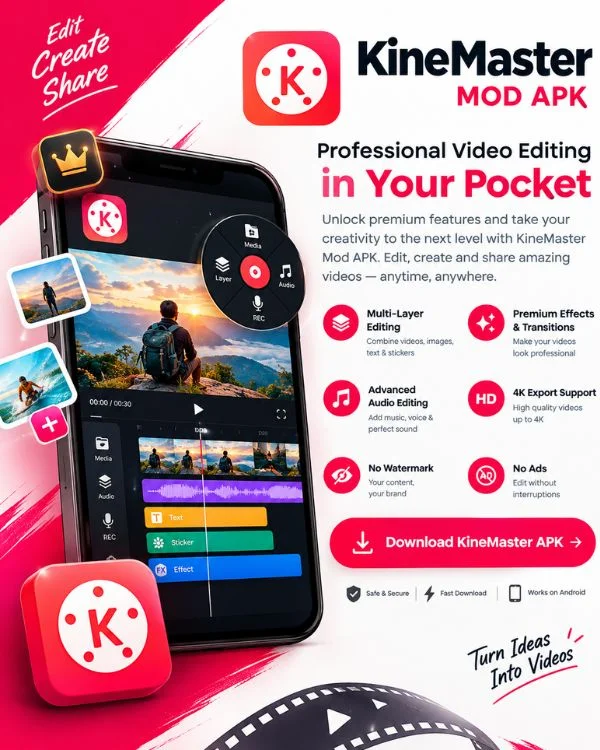
KineMaster Mod APK Download
Create videos that stand out.
Bring your ideas to life with powerful video editing tools, creative effects, smooth transitions, and multi-layer editing designed for your next great video.
KineMaster MOD APK Download Latest Version Details
App Specifications | Details |
App Name | |
Category | Video Players & Editors |
Latest Version | 8.2.9.37320.GP |
APK Size | Approximately 80–100 MB |
Required Android | Android 8.0 and above |
Recommended RAM | 3 GB for standard 1080p editing |
Developer | KineMaster, Video Editor Experts Group |
Company | KineMaster Corporation |
Headquarters | Seoul, South Korea |
Founded | 2002 |
MOD Features | KineMaster without Watermark Premium Unlocked (unverified) |
Video Resolution | Up to 4K at 60 FPS on supported devices. |
Editing Tools | Multilayer editing, trimming, transitions, effects, audio and text. |
AI Features | Auto Captions, Text-to-Speech, AI Style and background removal. |
Export Options | Resolution and frame rate depend on device capabilities. |
Supported Devices | Compatible Android phones and tablets. |
Last Updated | 9 October 2026 |
Download Safety | Third-party MOD APK; security not independently verified. |
What is KineMaster MOD APK?
If you love making videos on your phone, you know how frustrating it is to hit a paywall. You find a cool effect or a clean transition, but a pop-up tells you to buy a subscription. That stops your creative flow right in the middle of a project.
That is why many mobile creators look for a better way. When you want full creative freedom without pulling out your credit card, a modified version changes the game. If you want to grab the kinemaster mod apk download and start editing right away, you are in the right spot.
We will walk through everything you need to know about this editor. You can visit our main portal anytime at kinemastermodapkdownload.sbs to explore more helpful guides and tips. Let us dive in and see how you can level up your mobile editing game.
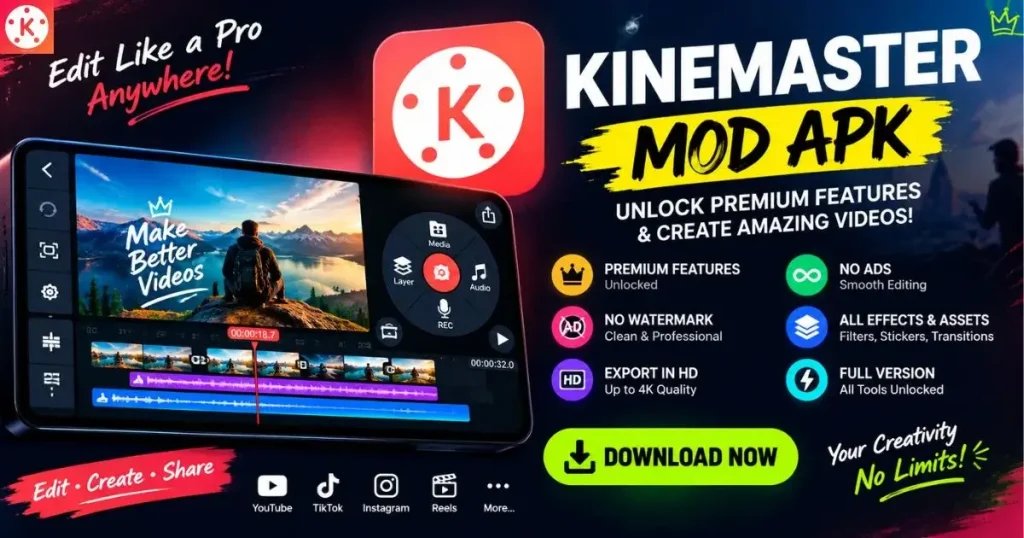
KineMaster MOD APK Overview
What Is KineMaster Video Editor?
Think of this application as a full desktop editing suite that fits right inside your pocket. The KineMaster Video Editor is a powerful production app built for mobile devices. It lets you slice, splice, and style raw footage into cinematic clips. Whether you are editing a quick vlog or a short film, the app gives you robust tools to bring your vision to life.
How KineMaster Pro Apk Download Works on Android
Your phone handles heavy rendering through the app’s optimized timeline engine. You drop your clips onto a multi-track timeline, stack audio tracks below them, and layer stickers or text on top. The app uses your phone processor and RAM to render previews in real-time. This means you can see your cuts, transitions, and filters instantly without waiting for long export times just to check your work.
KineMaster Official Version vs MOD APK
The official version available on the Google Play Store is great, but it locks many professional features behind a monthly or yearly paywall. Free users have to deal with a brand watermark stamped onto every exported file. They also miss out on high-end assets.
On the other hand, a modded edition unlocks those premium assets out of the box. It gives you an unlocked experience where you can access professional tools, enjoy a clean interface, and create without annoying watermarks getting in your way.
Who Should Use KineMaster MOD APK Download for Video Editing?
This platform fits a huge variety of digital creators. YouTube vloggers, TikTok influencers, Instagram Reel makers, and wedding videographers all rely on its deep feature set. If you want professional control over your mobile projects without sitting in front of a heavy desktop computer, this tool is built for you.
Why Do Video Creators Choose KineMaster MOD APK?
Multi-Layer Video Editing on Mobile
Most basic mobile apps only let you stack one video over another. This app shatters those limits. You can layer multiple videos, images, text blocks, and handwriting effects simultaneously on a multi-track timeline. This allows you to create complex picture-in-picture effects and split-screen layouts with total ease.
Full-Screen Timeline and Precise Clip Control
Editing on a tiny screen can feel cramped. The application solves this by offering a landscape timeline mode that expands across your entire phone screen. You can pinch to zoom in on audio waveforms down to the single frame. This lets you make razor-sharp cuts, match your audio beats perfectly, and keep your pacing tight.
Templates, Effects, Transitions, and Creative Assets
You do not have to build every visual effect from scratch. The built-in Asset Store is packed with transitions, 3D effects, stickers, and fonts. You can download fresh creative resources with a single tap. This helps you give your videos a polished, studio-grade finish even if you are a complete beginner.
Tools for YouTube, TikTok, Instagram Reels, and Shorts
Different platforms demand different aspect ratios. The software lets you pick your canvas size before you even start. Whether you need a vertical 9:16 frame for a TikTok video, a square 1:1 format for an Instagram post, or a wide 16:9 ratio for a YouTube upload, the app handles it seamlessly.
KineMaster MOD APK Premium Features
Note: Features in modified applications can vary depending on the specific release build you install. Always review your app capabilities after setup.
Premium Effects, Transitions, and Editing Assets
Say goodbye to locked assets. You get open access to a massive library of gorgeous visual filters, dynamic wipes, and 3D transitions. Your edits will instantly look more engaging.
Watermark and Advertising Behavior
One of the best perks of using a modified package is the removal of promotional branding. You can export your finished masterpiece cleanly without any distracting company stamp in the corner.
Multi-Layer Timeline and Keyframe Animation
Take your motion graphics further. With advanced keyframe animation, you can control the exact movement, scale, and rotation of text, stickers, and video clips over time. Create smooth pans and zooms that look like professional motion design.
Chroma Key and Green Screen Editing
You do not need a Hollywood studio to shoot cool visual effects. The built-in chroma key tool lets you remove solid color backgrounds—like a green screen—with a single click. Replace your background with any image or video clip you want.
AI Background Removal and Magic Remover
Modern updates bring smart intelligence right to your fingertips. The AI background removal tool lets you isolate subjects without manually painting complex masks. It saves you hours of tedious editing work.
AI Style and Creative Video Effects
Transform ordinary footage into stunning works of art. AI style filters can turn your travel videos into animated sketches, paintings, or cyberpunk visuals instantly.
Auto Captions, Subtitles, and Text-to-Speech
Keep your viewers hooked even when their sound is muted. The auto-caption feature analyzes your spoken audio and generates synchronized subtitles on your timeline automatically.
Super Resolution and Video Enhancement
Rescue older or lower-quality clips. The enhancement tools sharpen blurry details and boost visual clarity so your final export looks crisp on modern high-definition displays.
Color Correction and Color Grading
Take charge of your visual mood. Adjust brightness, contrast, saturation, and temperature manually, or apply professional color grading presets to give your footage a cinematic warmth or cool cinematic tone.
Video Speed Control, Slow Motion, and Reverse
Create dramatic cinematic moments with variable speed control. Slow down footage for emotional emphasis or speed it up for fast-paced montages. You can also reverse clips instantly for cool trick effects.
Audio Mixing, Voiceover, and Sound Effects
Good audio is half of any great video. The multi-track audio mixer lets you blend background music, sound effects, and voice recordings. You can adjust volume levels, pan audio from left to right, and apply voice changers.
Text, Stickers, Images, and Layer Blending
Express your personality on screen. Add colorful typography, animated stickers, and custom image overlays. Use layer blending modes to merge textures and lighting leaks naturally into your underlying footage.
Royalty-Free Music and Asset Store
Never worry about copyright strikes on background tracks again. The integrated asset store features a massive collection of royalty-free music tracks ready for your projects.
4K Video Export and Frame Rate Options
Deliver the highest quality possible. You can export your completed projects in stunning 4K resolution at high frame rates, ensuring your work looks pristine on large TVs and computer monitors.
How to Edit Videos with KineMaster MOD APK
1. Create a New Project and Choose an Aspect Ratio:
Open the application and tap on the create button. Select the aspect ratio that matches your destination platform, such as 16:9 for YouTube or 9:16 for vertical shorts.
2. Import Videos, Photos, and Audio:
Browse your device storage through the media browser. Tap on your favorite clips and photos to add them directly onto your main editing timeline.
3. Trim, Split, Crop, and Arrange Clips:
Tap on any clip in your timeline to select it. Drag the edges to trim unwanted seconds, or use the split tool to cut a clip right down the middle and remove awkward pauses.
4. Add Text, Captions, Transitions, and Effects:
Layer titles over your opening scenes using custom fonts. Drop animated transitions between your clips to smooth out the flow of your visual story.
5. Remove a Background or Use Green Screen:
Select your foreground clip and enable the chroma key tool if you shot against a solid color. Adjust the sliders until the background vanishes cleanly.
6. Record Voiceovers and Adjust Audio Levels:
Tap the record button to lay down a live voice-over narration. Open the mixer to lower your background music volume so your voice stays crystal clear.
7. Export and Save Your Finished Video:
Hit the export icon in the corner. Choose your desired resolution and frame rate, then save the final file directly to your phone storage.
KineMaster MOD APK Download and Installation Guide
Getting your editing environment set up on Android is straightforward if you follow these safe steps.
Check the APK Version and Android Compatibility
Before downloading anything, make sure your operating system version matches the requirements. Check that you are grabbing the latest package available for smooth performance.
Download the APK from a Source You Can Verify
Always look for trusted repositories. You can find reliable guides and downloads by visiting our main hub at kinemastermodapkdownload.sbs to keep your device secure.
Enable App Installation Permission When Necessary
Android blocks installations from unknown sources by default for security. You will need to open your phone settings, go to security or privacy, and grant permission to your browser or file manager to install APK files.
Open the App and Test Its Editing Features
Once the installation finishes, tap the app icon on your home screen. Drop a quick test clip into a new project, apply a filter, and make sure everything runs smoothly.
Back Up Existing Projects Before Changing Versions
If you are upgrading from an older modded build to a new one, always export your ongoing project files or back up your app data. This prevents you from losing hours of hard work if an update resets local files.
Is KineMaster MOD APK Safe to Use?
Security Risks of Modified APK Files
Because modified packages come from third-party developers rather than official app stores, you must exercise caution. Untrusted websites can sometimes bundle unwanted adware or malicious code into APK files.
How to Check an APK Before Installation
Before you open any downloaded file, run it through a reputable mobile antivirus scanner or upload the file hash to an online security analyzer like VirusTotal. This gives you peace of mind before you tap install.
Permissions, Privacy, and Account Security
Pay attention to what permissions the app requests upon launch. A video editor needs access to your storage and microphone, but it should never ask for access to your text messages or phone calls. Stay alert and protect your personal privacy.
Possible Crashes, Update Problems, and Compatibility Issues
Modified software does not update automatically through the Play Store. When a major Android system update rolls out, older mod builds might experience sudden crashes or export failures until a patched version becomes available.
Official KineMaster as a Safer Alternative
If you want guaranteed stability, zero security worries, and seamless automatic updates, sticking with the official release from the Google Play Store is always the safest route.
KineMaster System Requirements and Performance
Minimum Android Version and Device Compatibility
You will get the best results running Android 10 or newer. Older operating systems may struggle with modern video codecs and heavy timeline rendering.
RAM and Storage for Video Editing
Video rendering chews through system memory. A device with at least 4GB or 6GB of RAM will handle multiple layers and complex transitions much better than a budget phone with 2GB of RAM. Make sure you also have a few gigabytes of free storage space for temporary cache files.
Why 4K Editing Depends on Your Device
Exporting in 4K resolution requires serious hardware power. If your phone processor heats up or lacks dedicated video decoding chips, the app may lag or force-close during export. If your phone is older, sticking to 1080p exports is much safer.
Recommended Export Settings for Smooth Playback
For general social media sharing, exporting at 1080p resolution with a frame rate of 30fps or 60fps offers the best balance of file size and visual smoothness.
How to Reduce Lag and Export Failures
If your timeline starts stuttering, try turning off live preview shadow rendering, clear your app cache, and close background apps to free up system RAM before exporting your final video.
KineMaster MOD APK vs Official KineMaster
| Feature | Official KineMaster (Free) | KineMaster MOD APK |
| Watermark | Present on all exports | Removed / Clean exports |
| Asset Store Access | Limited free items | Premium assets unlocked |
| Ads | Frequent video and banner ads | Ad-free editing environment |
| Cost | Free (Paywall for features) | Free access to premium tools |
| Updates | Automatic via Play Store | Manual re-installation required |
Best KineMaster Alternatives for Android
CapCut for Social Media Video Editing
CapCut has taken the mobile editing world by storm. It features a trendy template library, auto-captions, and great effects that make it a favorite for TikTok creators.
VN Video Editor for Multi-Track Editing
If you want a clean interface with no forced watermarks and zero subscription fees on the official store, VN is a fantastic choice. It offers desktop-style timeline editing on mobile.
InShot for Quick Mobile Videos
InShot is perfect for people who want to put together quick clips, add music, and slap on basic filters without dealing with a complex multi-layer timeline.
Alight Motion for Motion Graphics
For creators who want serious vector graphics, visual effects, and complex keyframe animations, Alight Motion serves as a powerhouse mobile studio.
How to Choose the Right Video Editor
Pick the tool that matches your skill level and project goals. If you want deep control over layers and green screen work, stick with KineMaster. If you want trendy short-form templates, give CapCut a try.
Frequently Asked Questions About KineMaster
What Is KineMaster MOD APK?
It is a modified edition of the original video editing software that unlocks premium assets, removes branding watermarks, and gives users access to professional features without requiring an active subscription.
Is KineMaster MOD APK Free?
Yes, you can download and use the application package without paying any subscription fees or purchase charges.
Does KineMaster MOD APK Remove the Watermark?
Yes, modified versions are specifically designed to strip away the default brand watermark so your exported videos look clean and professional.
Can KineMaster Export Videos in 4K?
Yes, depending on your device hardware capabilities, the app supports high-resolution exports up to 4K at various frame rates.
Does KineMaster Work on Low-End Android Phones?
It will install on most devices, but low-end phones with limited RAM may experience lag, stuttering previews, and export crashes when handling complex projects.
Can I Use KineMaster For PC?
While the app is built natively for Android, you can run it on a Windows or Mac computer by using a reliable Android emulator like BlueStacks.
Why Is KineMaster Not Installing?
This usually happens if your phone blocks unknown sources or if your storage is full. Check your security settings, enable installation permissions, and ensure you have enough free space.
Why Is KineMaster Exporting Slowly?
Export speed depends entirely on your phone processor and RAM. Rendering heavy video effects, high resolutions, and multi-layer timelines takes time on mobile hardware.
Can I Update KineMaster Without Losing Projects?
It is risky to install a new mod APK directly over an older one without backing up. Always finish and export your current projects before switching application versions.
Is the Official Kine Master App Better Than a MOD APK?
The official version offers better security, safety, and automatic updates, but it locks key features behind a paywall. The modded version unlocks everything for free but carries third-party security risks.
Final Verdict: Is KineMaster Right for You?
Creating standout video content on your mobile phone does not have to cost a fortune. With the right editing environment, you can produce professional-grade vlogs, reels, and cinematic shorts right from your handheld device.
Take your time exploring the tools, experiment with different transitions, and find a workflow that fits your personal style. Whenever you need fresh tips, guides, or updates, remember to drop by our main resource hub at kinemastermodapkdownload.sbs. Happy editing, and go create something amazing today!